Turn your iPhone into a remote for your Mac.
Mirror streams your Mac's screen to your phone over your own Wi-Fi and turns touches into real clicks, scrolls, and keystrokes. Everything stays on your network.
It works like a trackpad, not a touchscreen.
The screen is not the input surface — the whole phone is. Slide anywhere to move the pointer while the picture stays put, and pinch in when a target needs a closer look.
tap
Click wherever the pointer is. Tap twice for a double click.
slide a finger
The pointer follows with speed-adaptive precision, like a trackpad.
two-finger tap
Right click, with a haptic to confirm it.
long-press
Grab whatever is under the pointer, move it, lift to drop.
two-finger drag
Scroll with momentum. Flick and it keeps going; touch to stop.
three-finger swipe
Switch desktops, exactly like the trackpad gesture on a Mac.
Every file on your Mac, in your pocket.
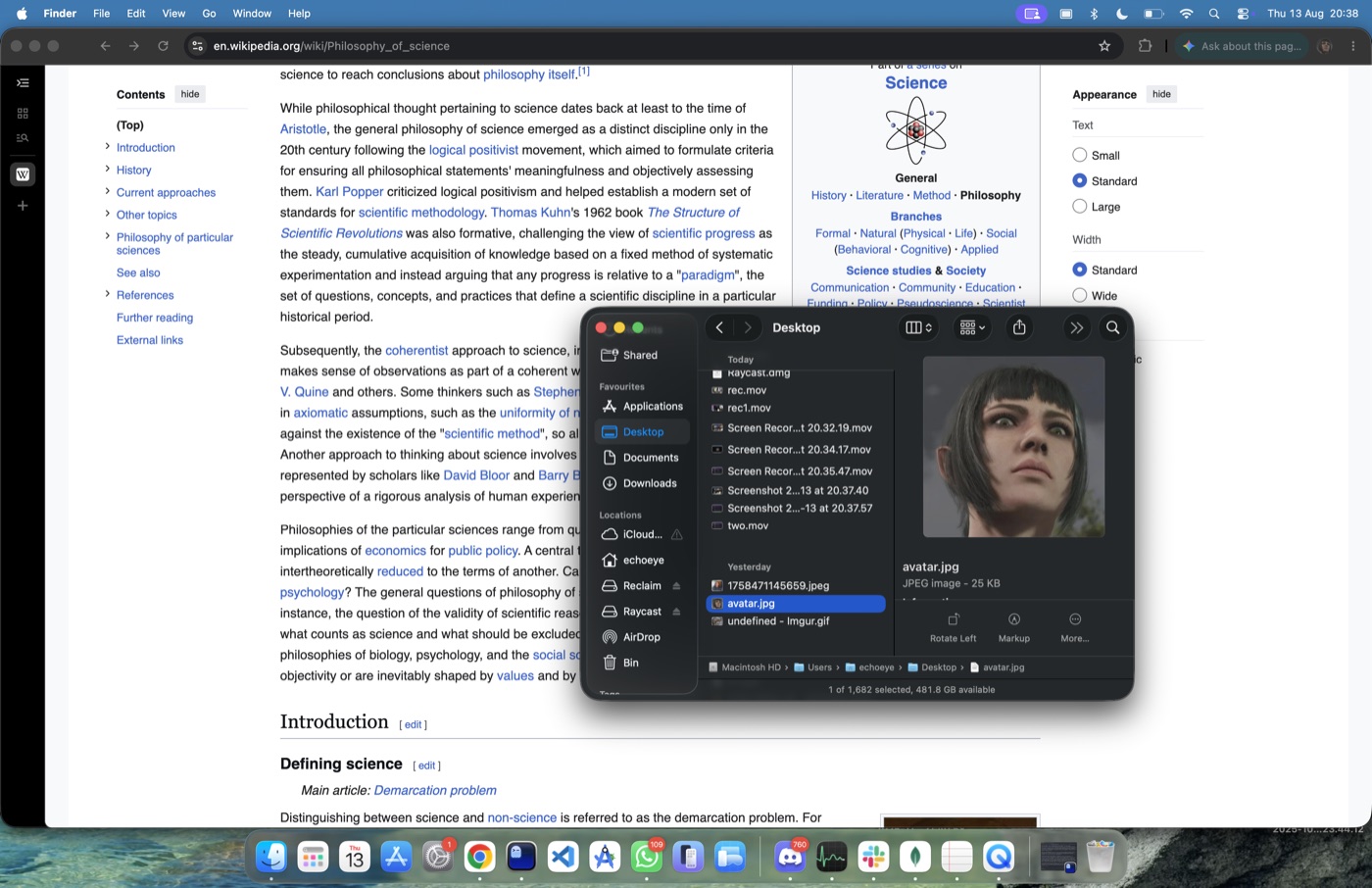
Find searches your whole Mac from the phone — Spotlight plus a direct scan, so nothing hides. Browse folders like a native file manager, preview photos, videos, PDFs, and code in a full-screen viewer, and swipe between results like your camera roll. The home screen keeps your Mac's storage and folders in view, counts ticking live.
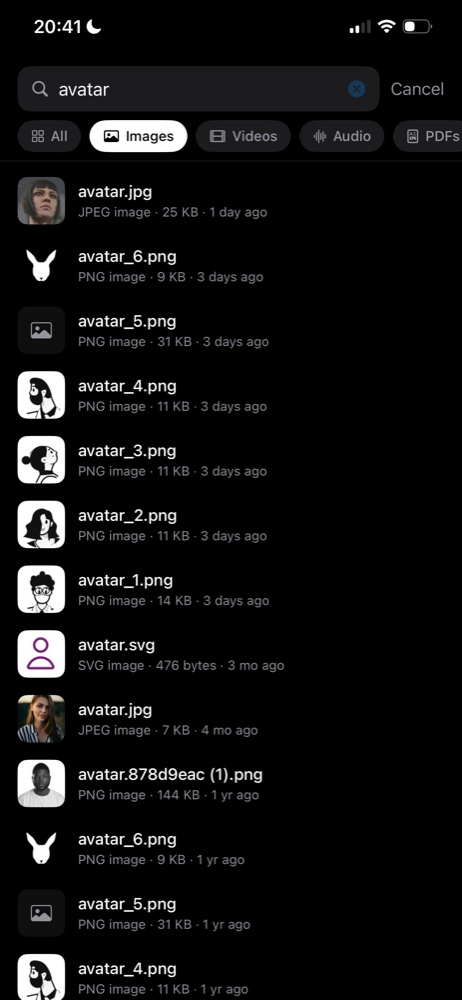
search everything
Results stream in as you type — filename and content matches, filterable by type.
instant playback
Videos stream straight from the Mac with full scrubbing. No waiting for downloads.
save anywhere
Send any file to Photos, Files, or the share sheet. Or open it on the Mac from your phone.
audio, your call
Route the Mac's sound to your phone and it mutes itself, restoring volume when you switch back.
Paired in seconds.
The Mac announces itself on your Wi-Fi, so your phone lists it by name — no addresses to type. An eight-character code shown in the menu bar authorizes the connection, and your iPhone keeps it in the Keychain, so pairing only ever happens once.
Open Mirror on your iPhone and enter this code when it asks.
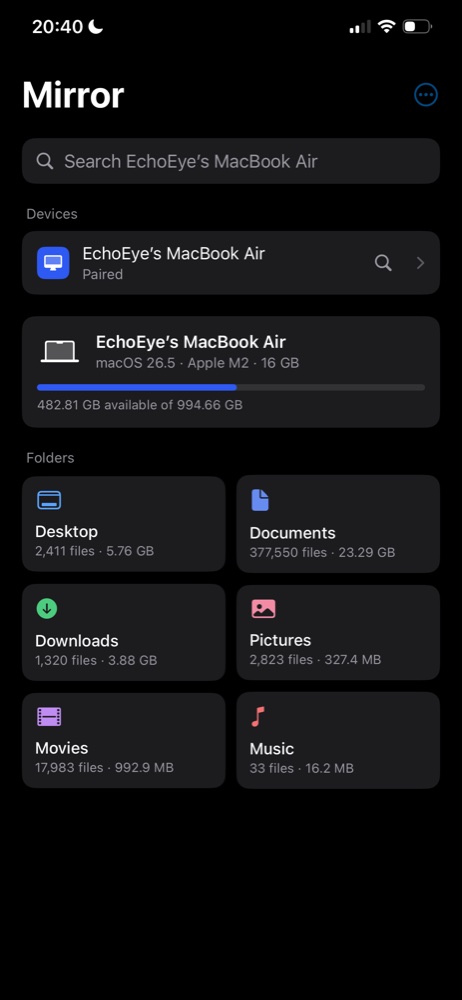
the actual app — your Mac, found by name
Quick, smooth, and private.
Everything happens directly between your two devices over your own Wi-Fi. Your screen never touches the internet, and there is no account to create.
from connecting to seeing your screen. It feels like plugging in a cable.
scrolling, typing, and dragging stay smooth at full quality.
no cloud in the middle, no sign-up, nothing to configure.
Get Mirror.
A menu bar app for the Mac and a native app for the iPhone. The Mac side walks you through the two permissions it needs and shows your pairing code.
macOS 14+ · iOS 17+ · universal